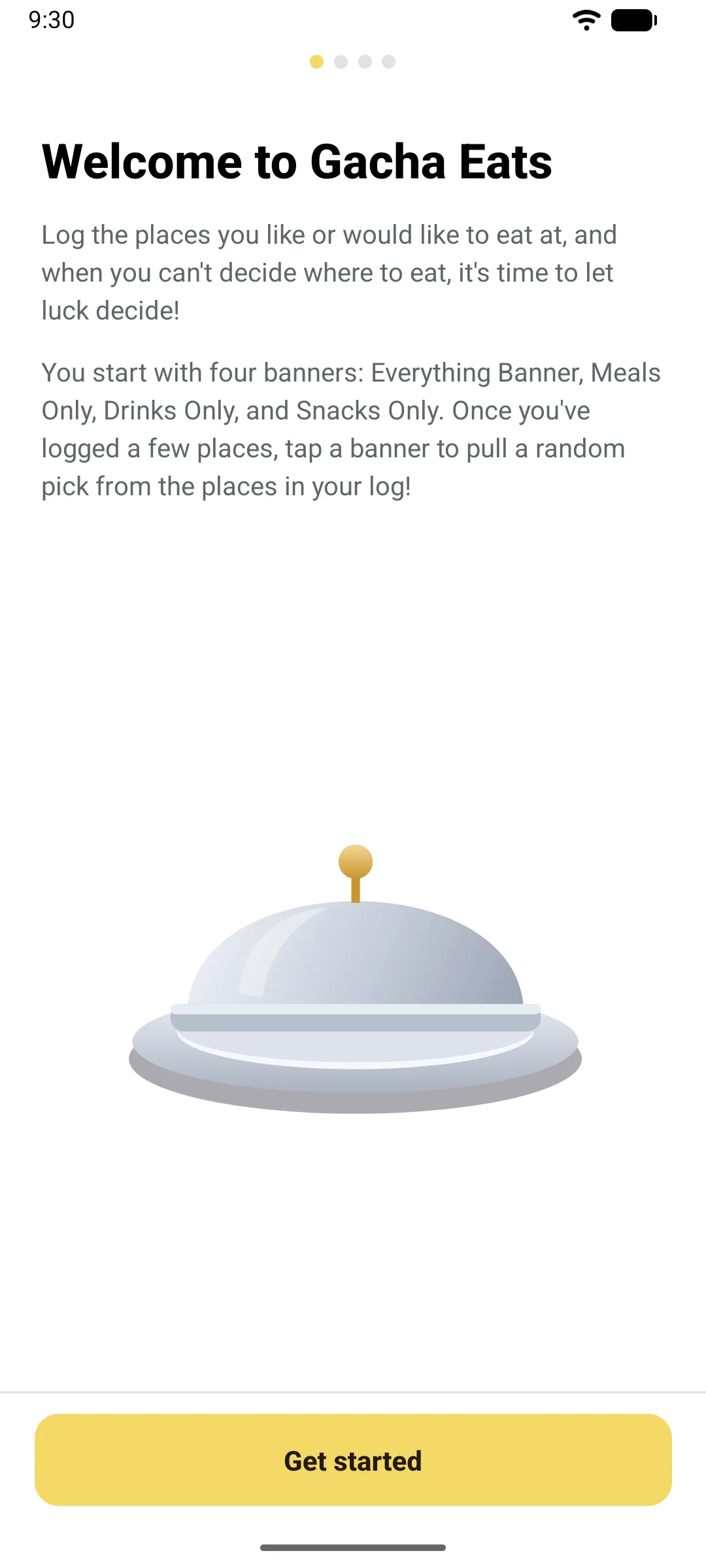
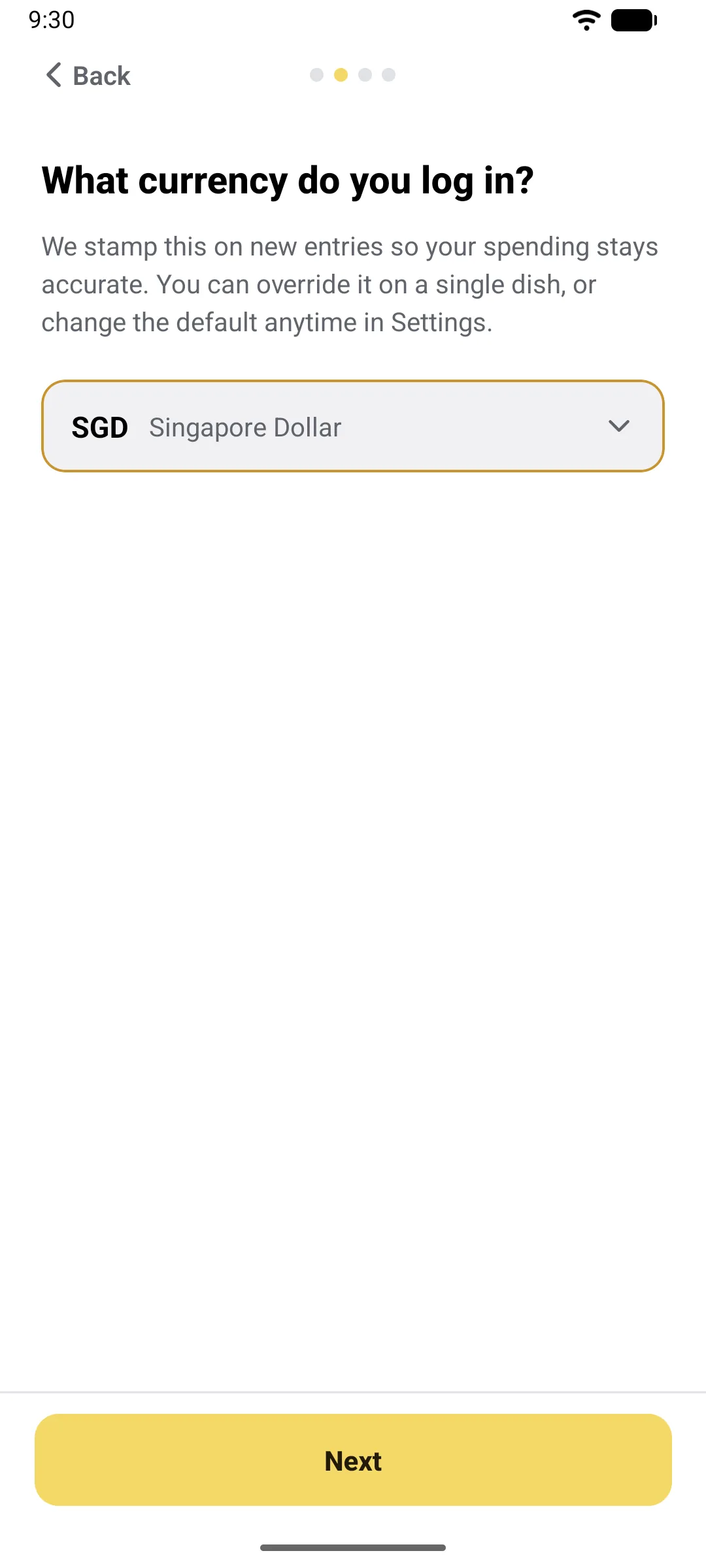
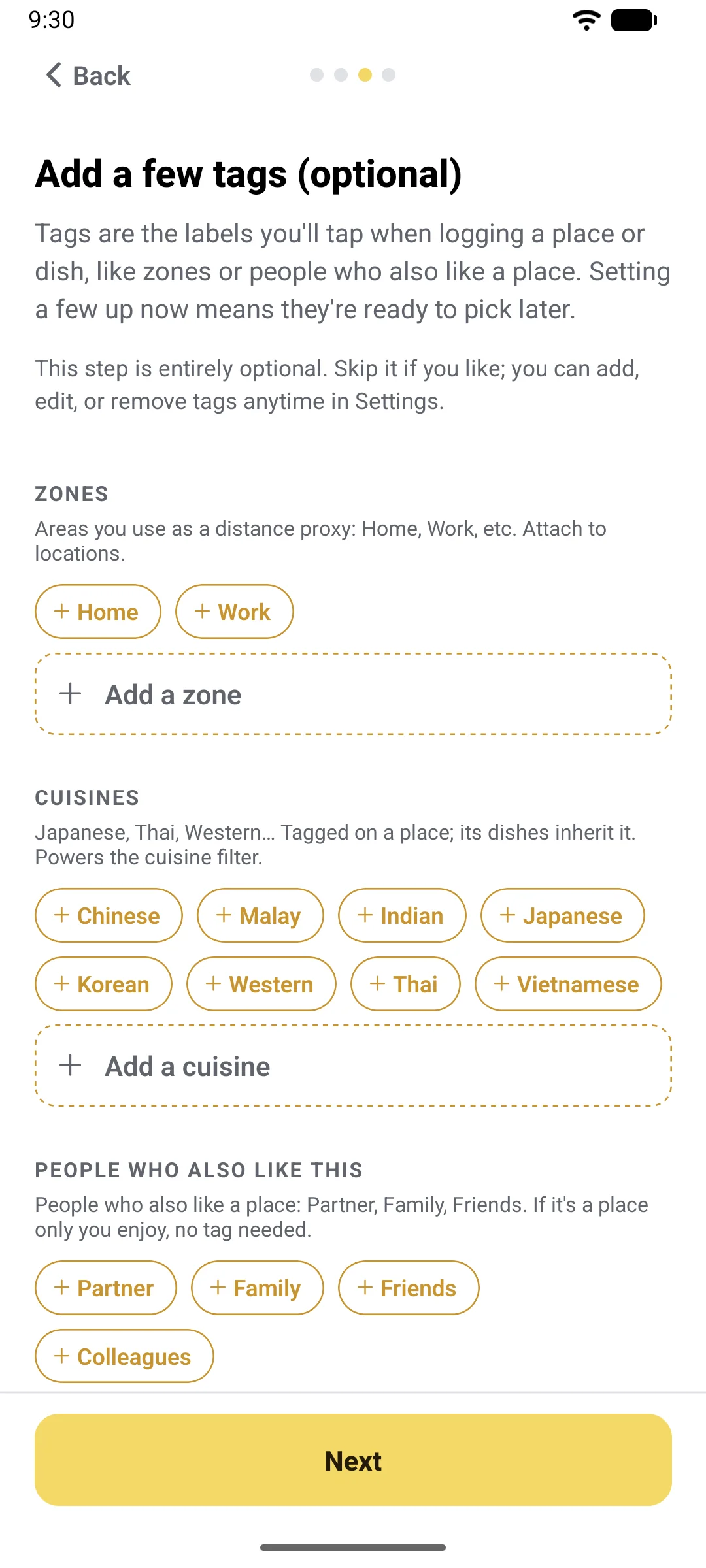
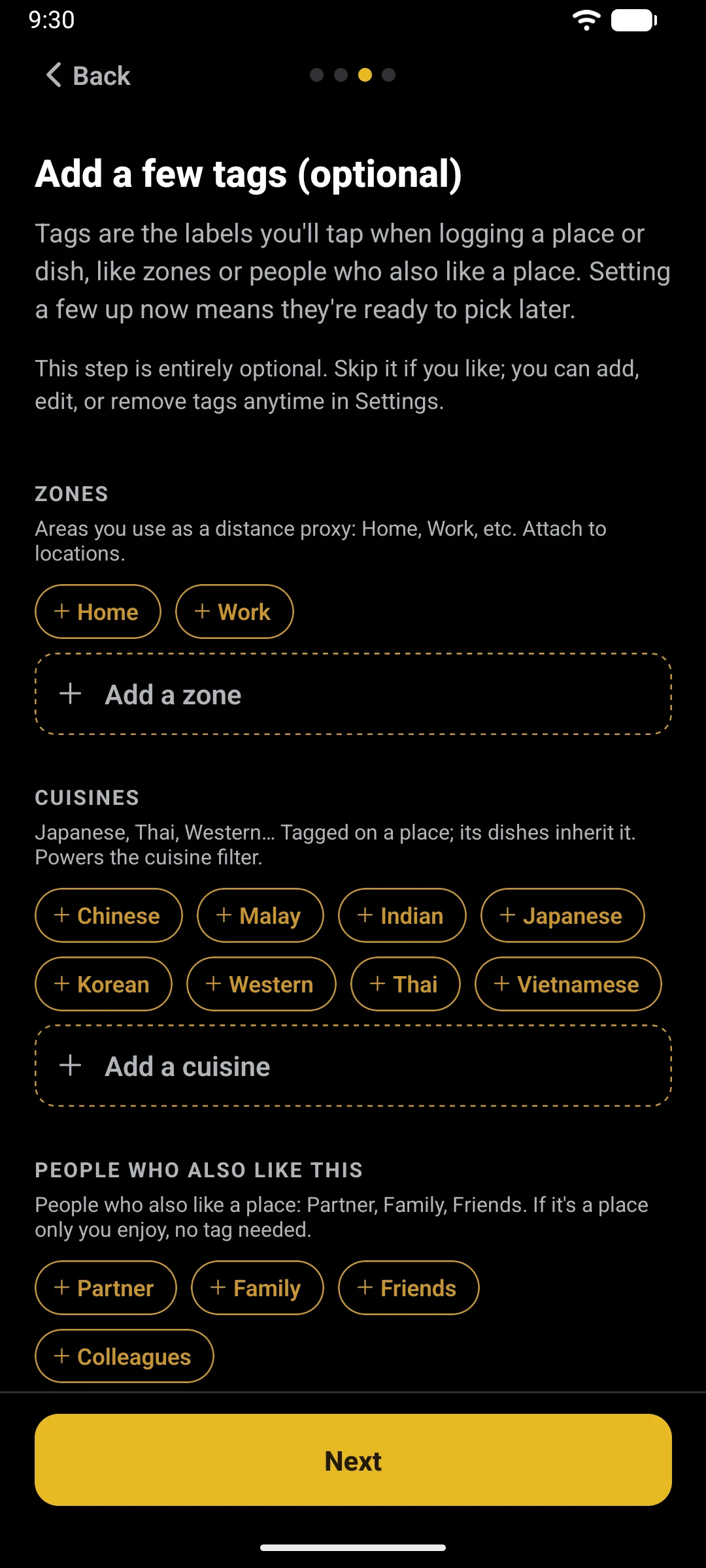
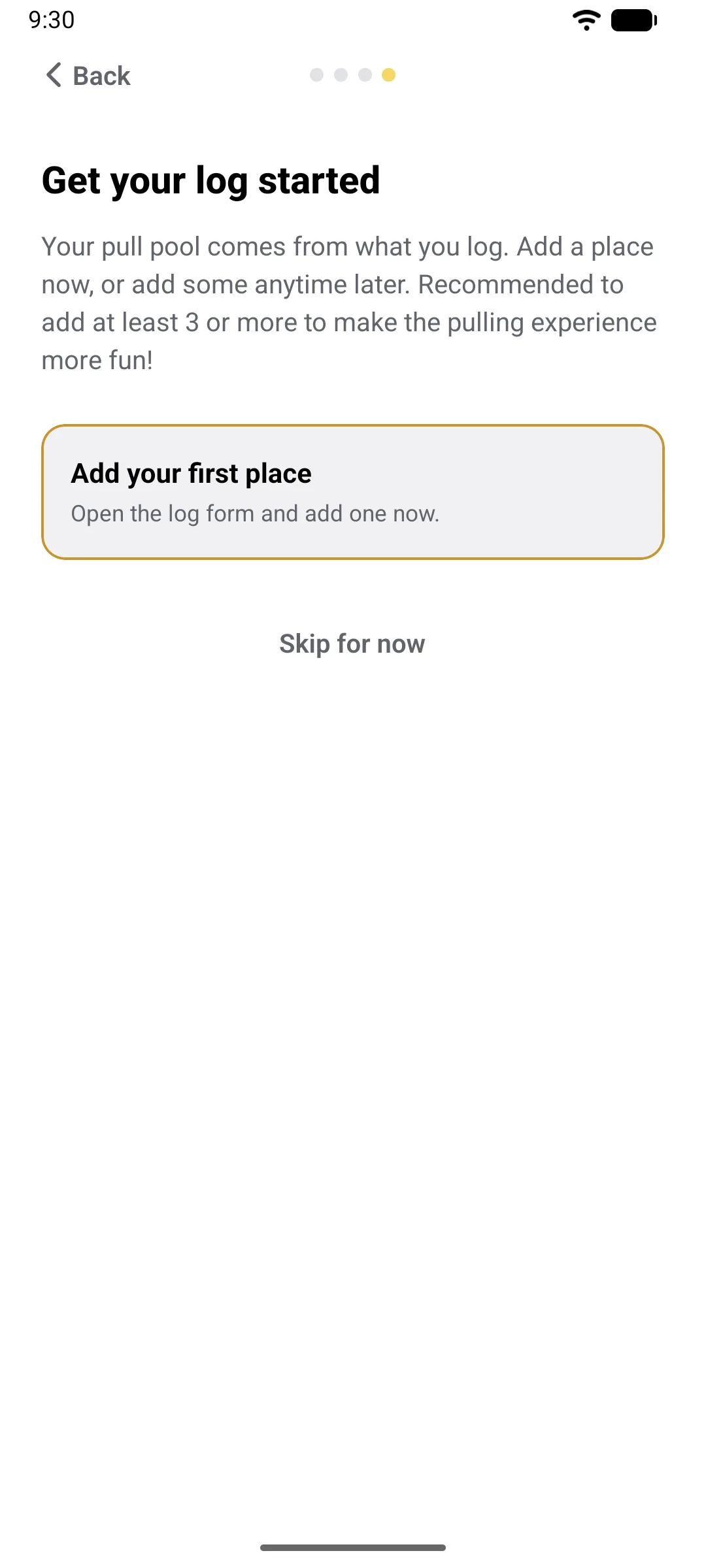
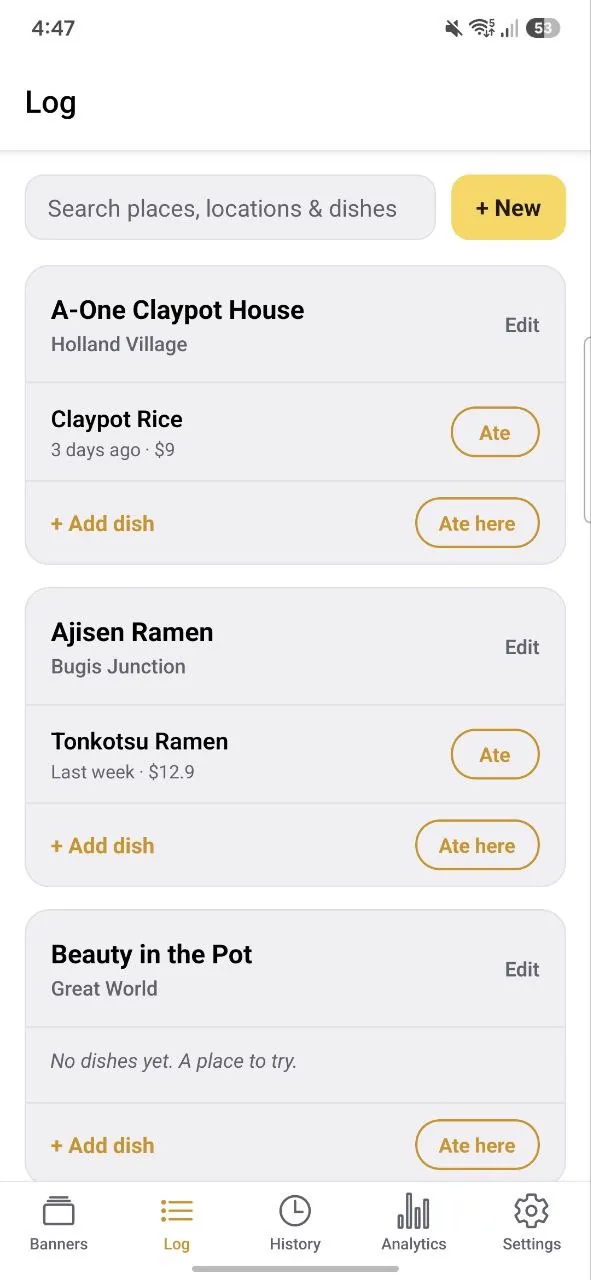
The first launch walks you through four quick steps. Pick the currency you use to purchase food/drinks (editable in settings later, this is just a default currency every dish you add will use unless you manually select a different currency for specific dishes). Add a few starter tags if you like, such as zones or people who also like a place. Then add your first place, or skip and add some later.
02
Start here
Log what you eat
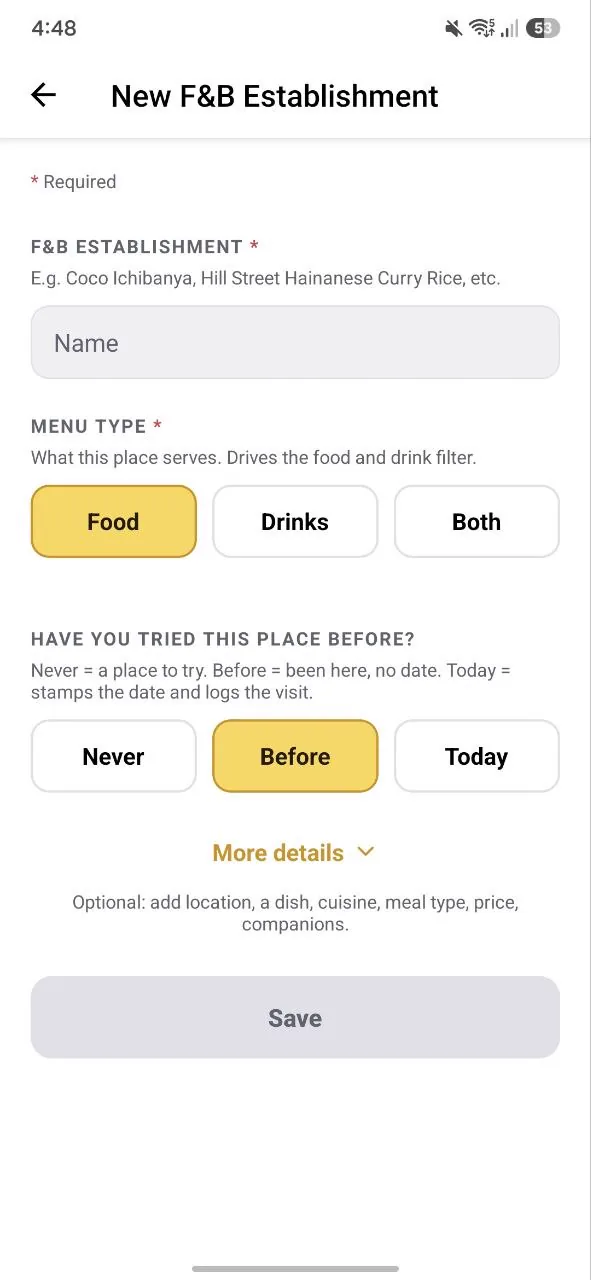
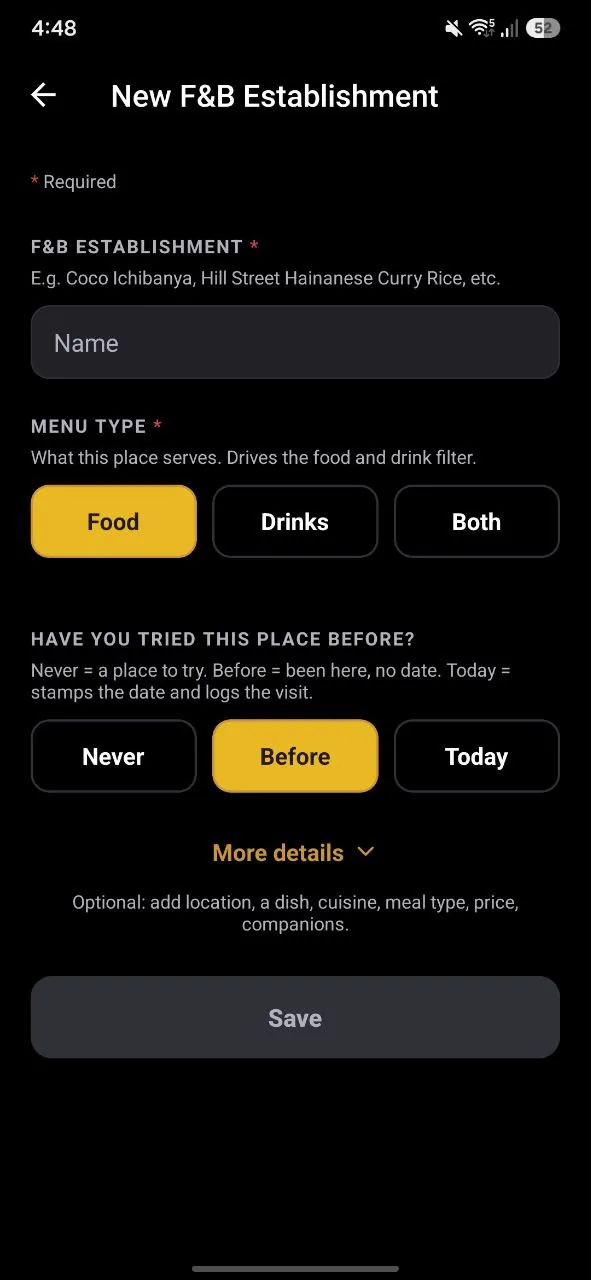
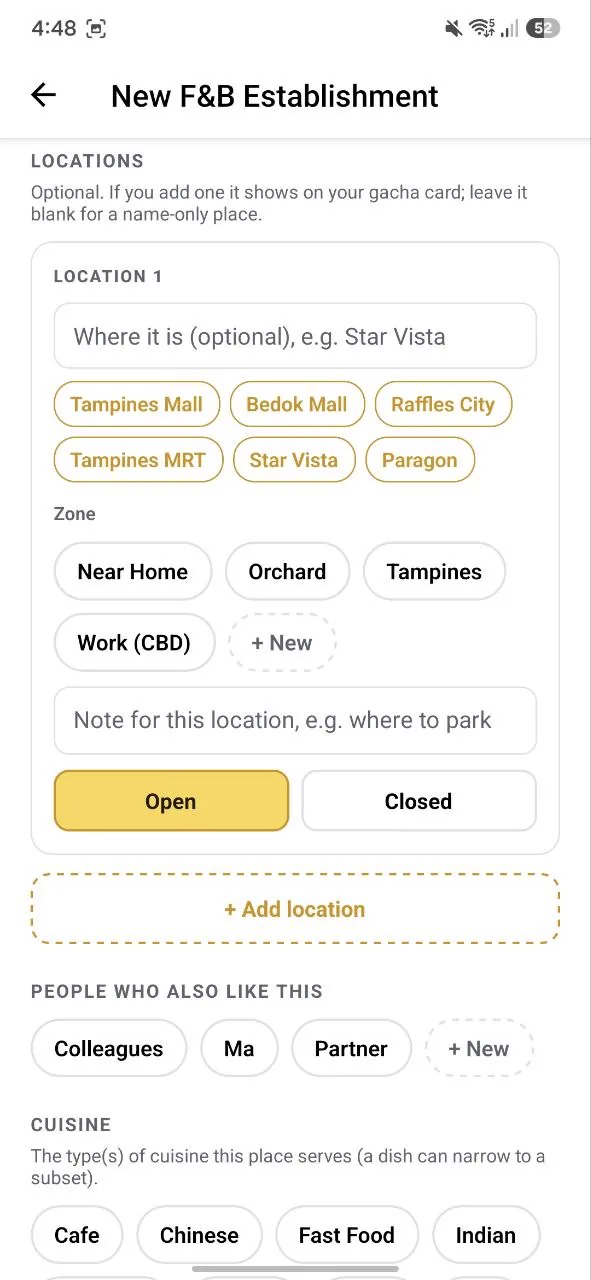
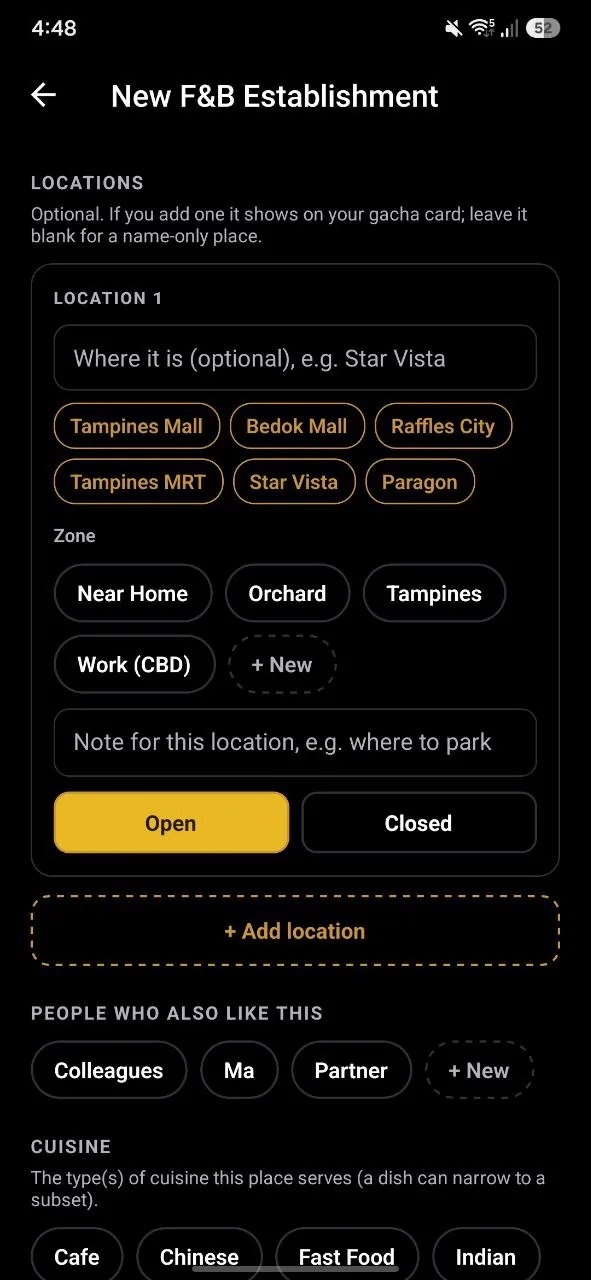
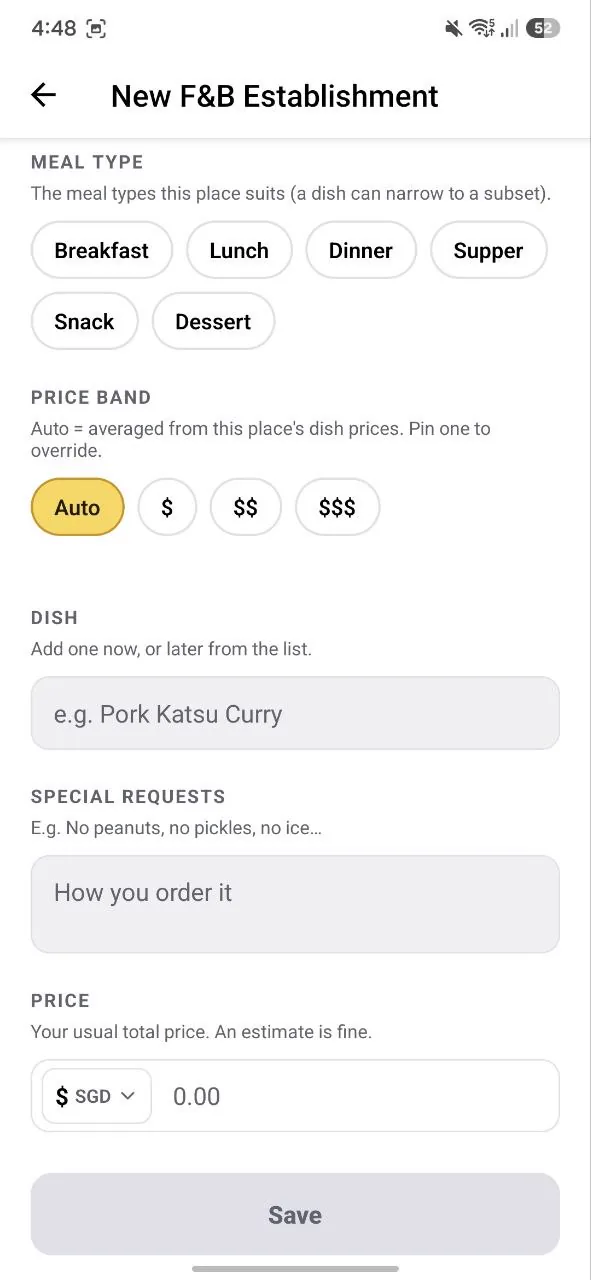
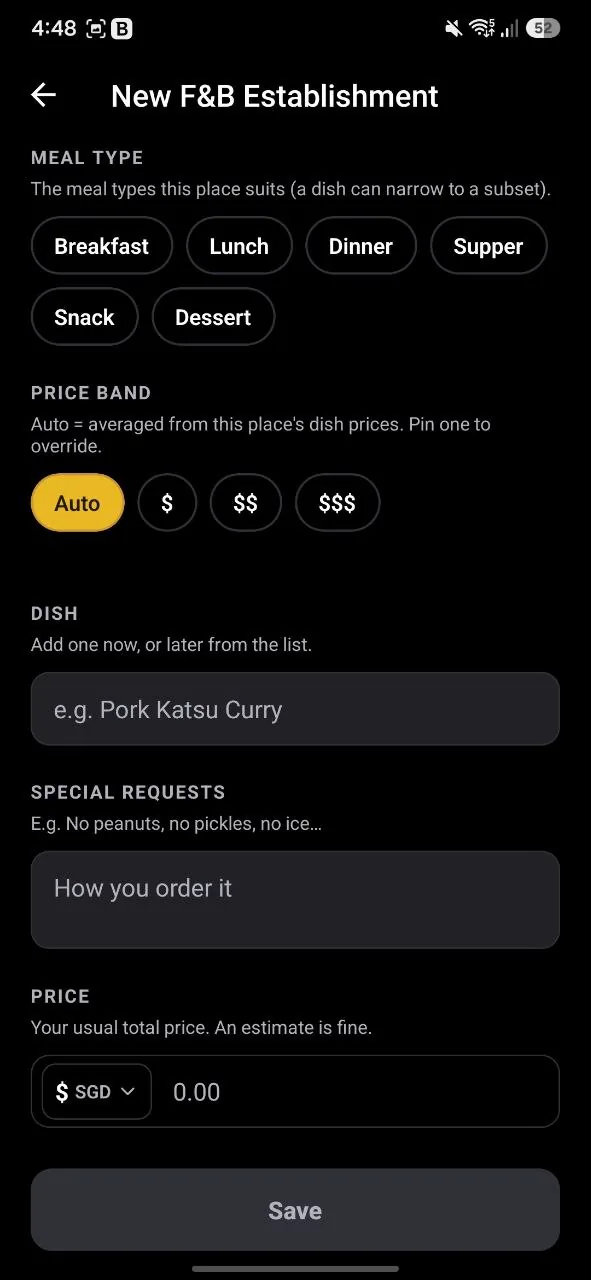
Add the places you eat at (the app calls them F&B establishments) and the dishes you order there. Just fill in the name of the place, whether the place serves food, drinks, or both, and whether you have tried it (Never, Before, or Today). Never marks it a place to try; Today stamps the date and logs the visit.
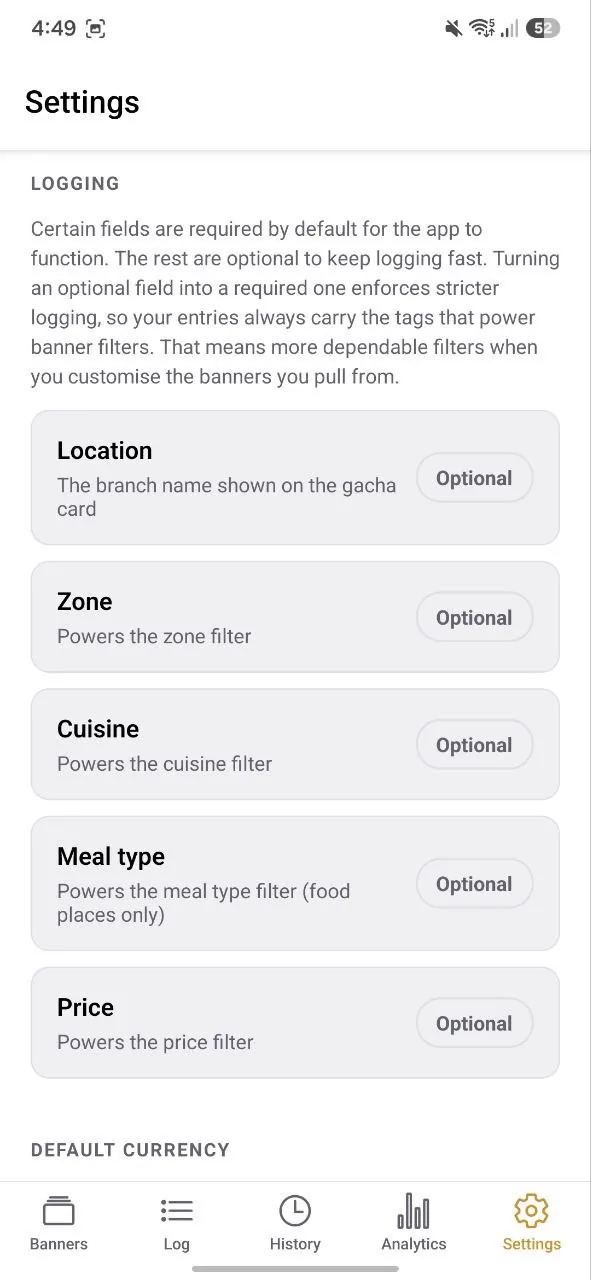
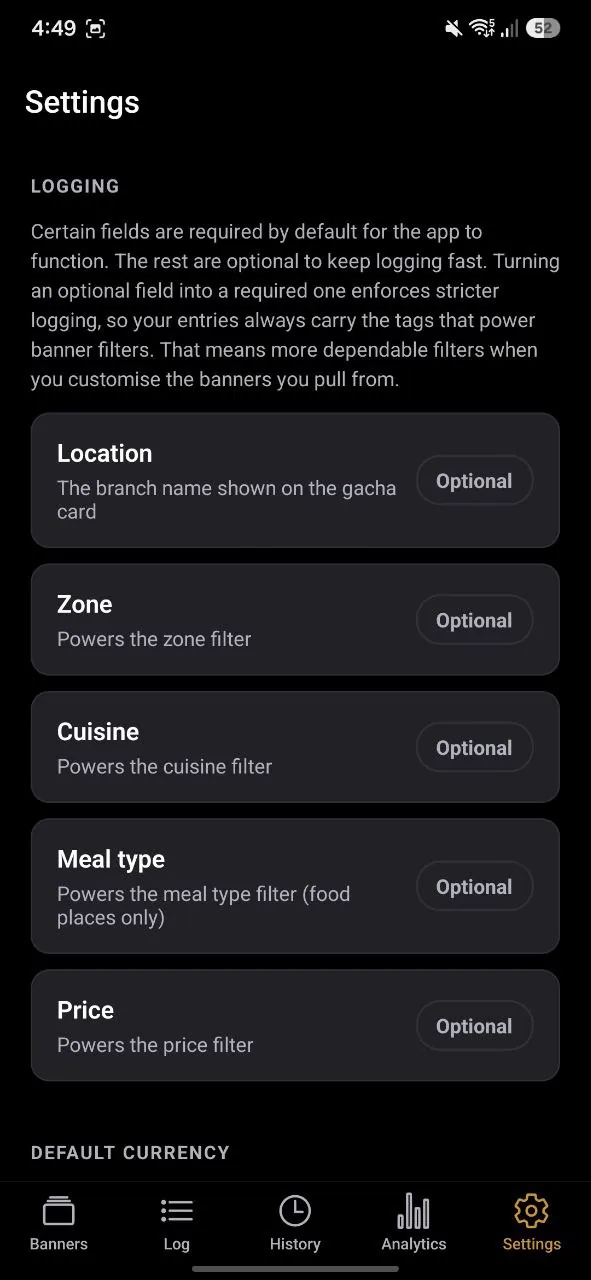
Everything else stays optional under More details: location and zone, meal type, cuisine, price, who else likes it, and a first dish. Promote location, zone, cuisine or meal type to required in Settings › Logging when you want your entries to always carry the tags your banners filter on. Requiring price means every dish you add needs one.
Tip: start with your ten most-repeated meals. That is already enough for a great first banner.
03
The fun part
Pick a banner, then pull
Open the Banners page and tap the banner you feel like pulling from, then tap Pull (or the platter itself). The four you start with cover the usual moods: Everything Banner, Meals Only, Drinks Only and Snacks Only. They are saved filters that fill themselves from your log, but you can create handpicked custom banners yourself later.
The starter banners read your tags. Meal types come from a fixed list of six: Meals Only takes places tagged Breakfast, Lunch, Dinner or Supper, and Snacks Only takes Snack or Dessert. Drinks Only takes places that serve drinks. A place logged with just a name shows up in the Everything Banner only.
The line at the top counts how many places are ready to pull and how many are on cooldown. Then the platter rattles, the lid lifts, and your answer is revealed: the place, which location, and your order (if any).
When you tap Eat (or Drink), it gets logged in your History, with a few seconds to undo.
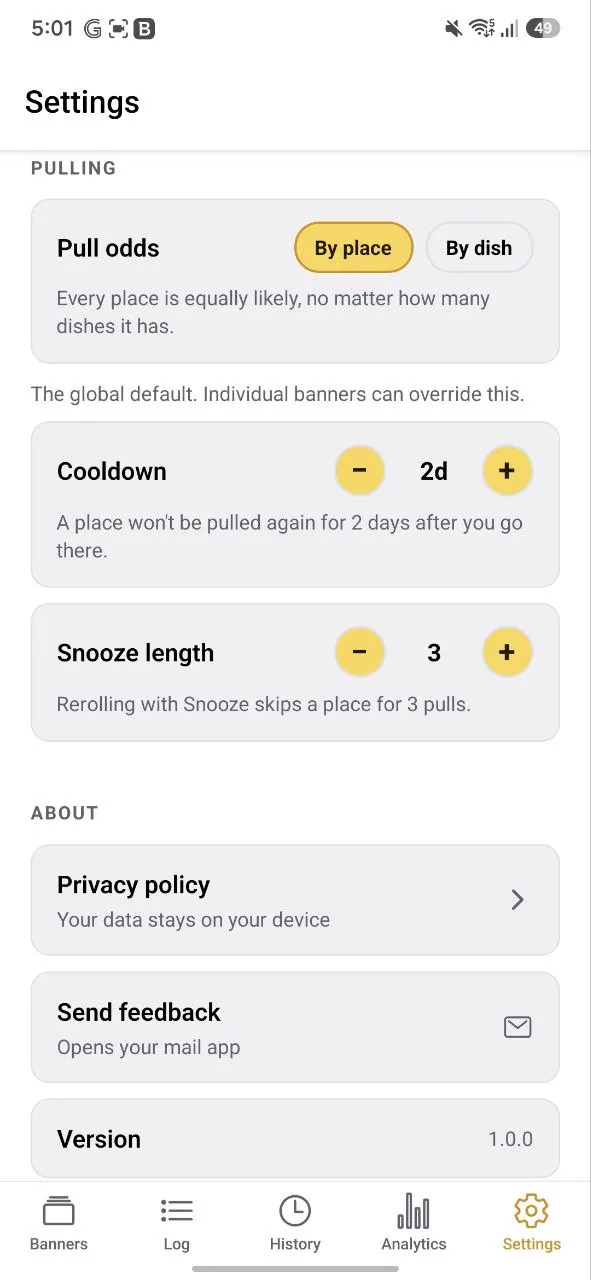
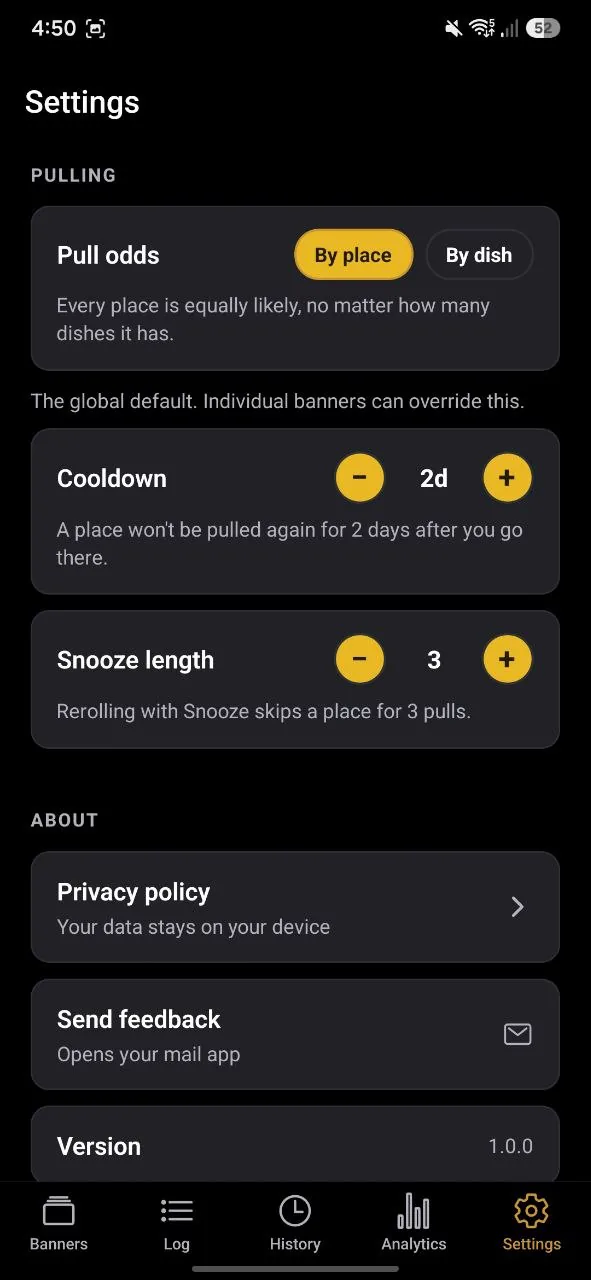
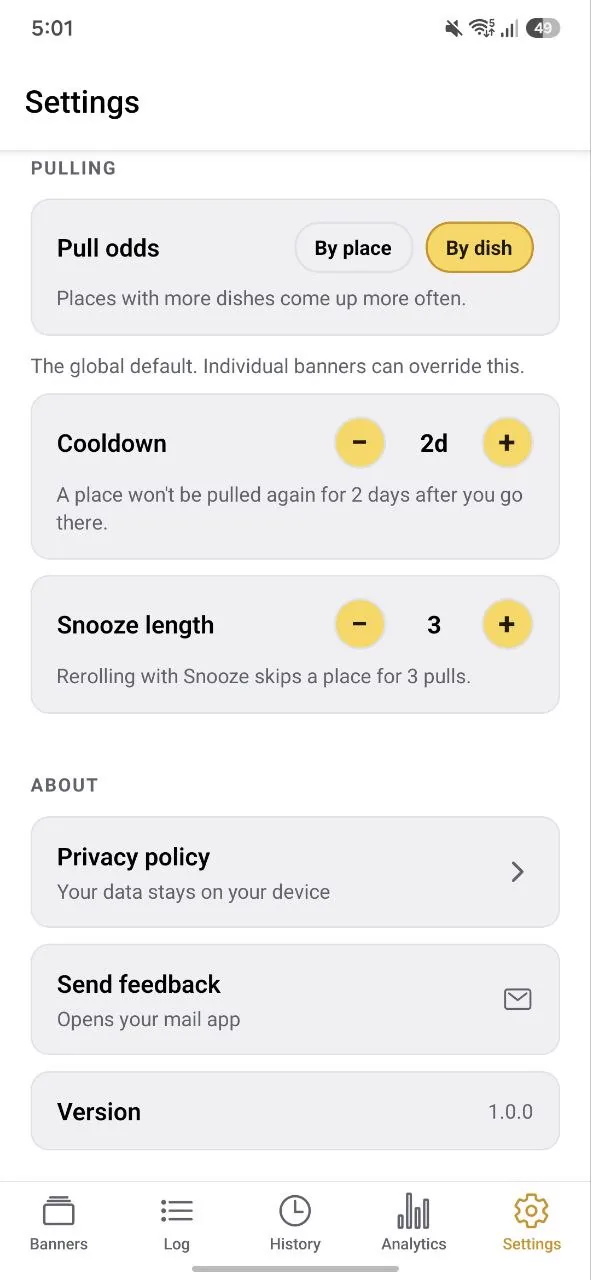
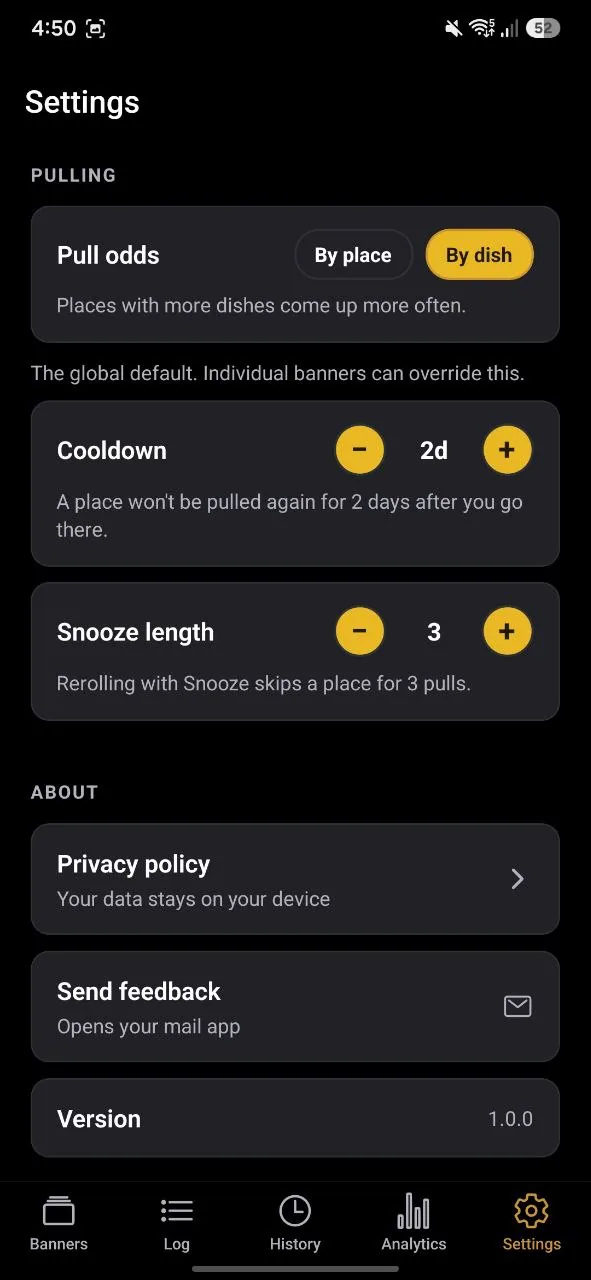
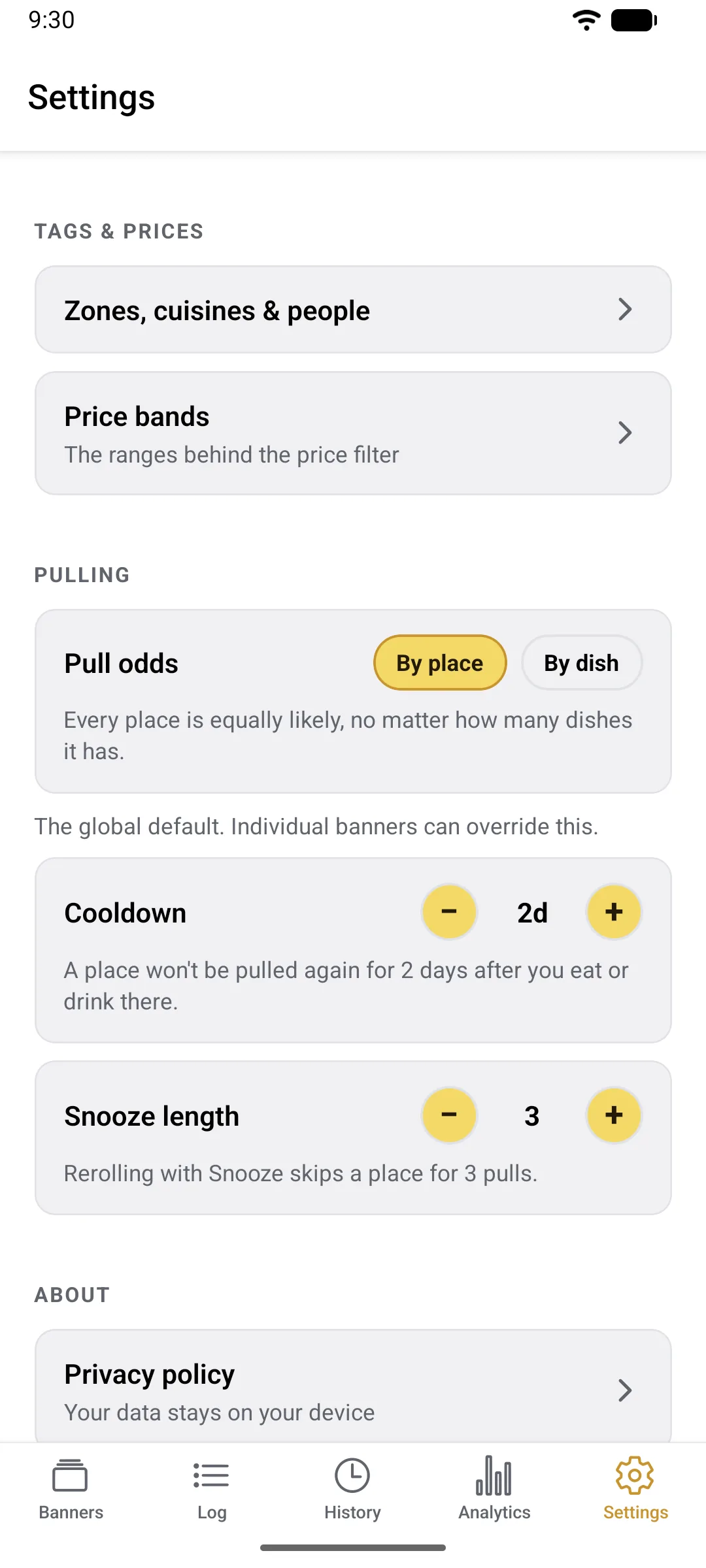
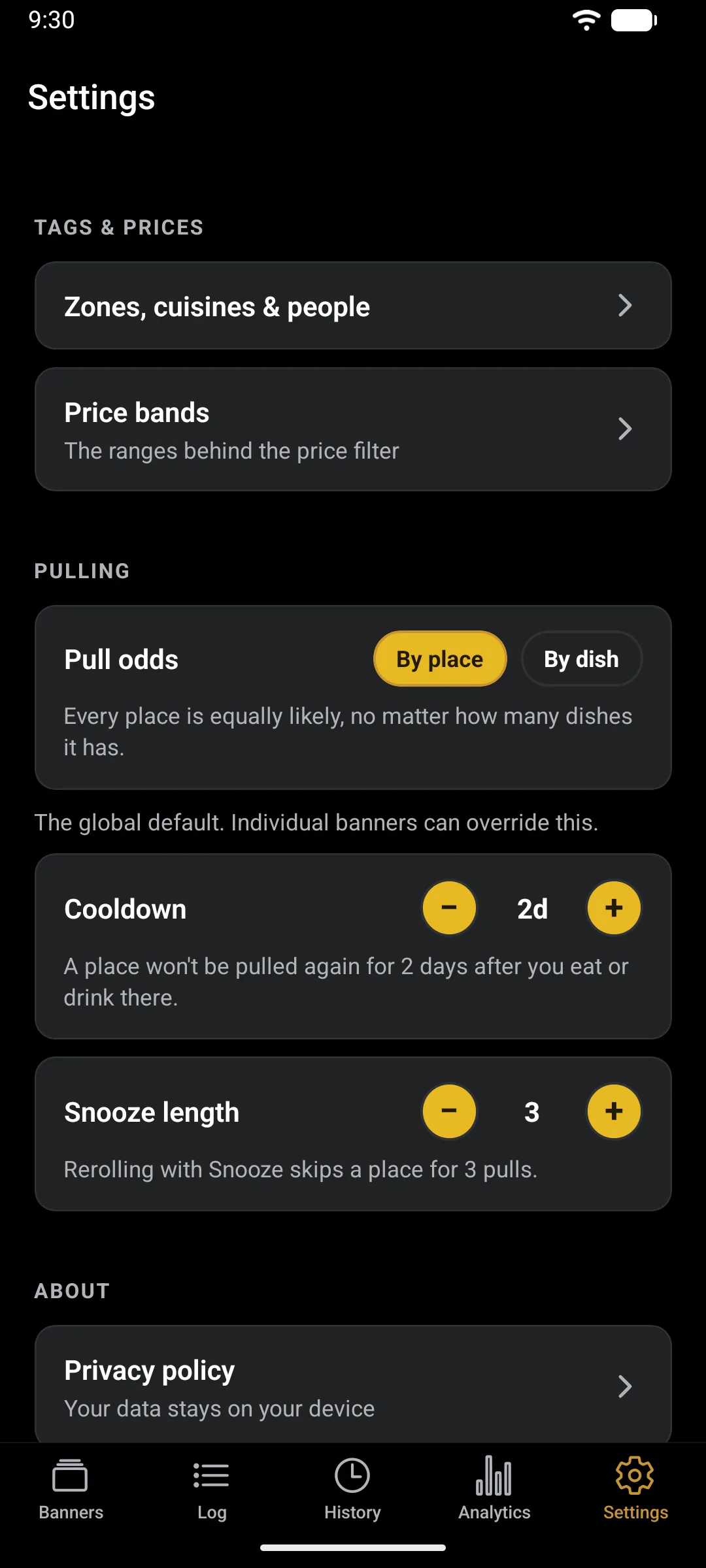
Odds are fair by design. Each eligible place gets an equal shot, no matter how many dishes you have logged. Prefer every dish to count as its own ticket? Switch Pull odds to By dish in Settings.
04
No wrong answers
Not feeling it? Reroll.
Rerolls are free and unlimited, and each one doubles as a quick tidy-up. When you skip a pick you can just reroll, remove it from that banner entirely, or snooze it for the next few pulls whenever there are enough other options in the supply pool.
The machine also never repeats the pick you just skipped, as long as there is something else in the pool to offer instead.
If a banner runs dry, the pull page tells you why and offers the way out: Pull anyway when everything is on cooldown, Reset snoozes when you have snoozed the rest, or Open pool when nothing matches the banner.
The bulk of the app
Banners and Log, up close.
Tap a function to see it ↓
Tap a function to see it ↓
Keeping Track
History and Analytics.
History
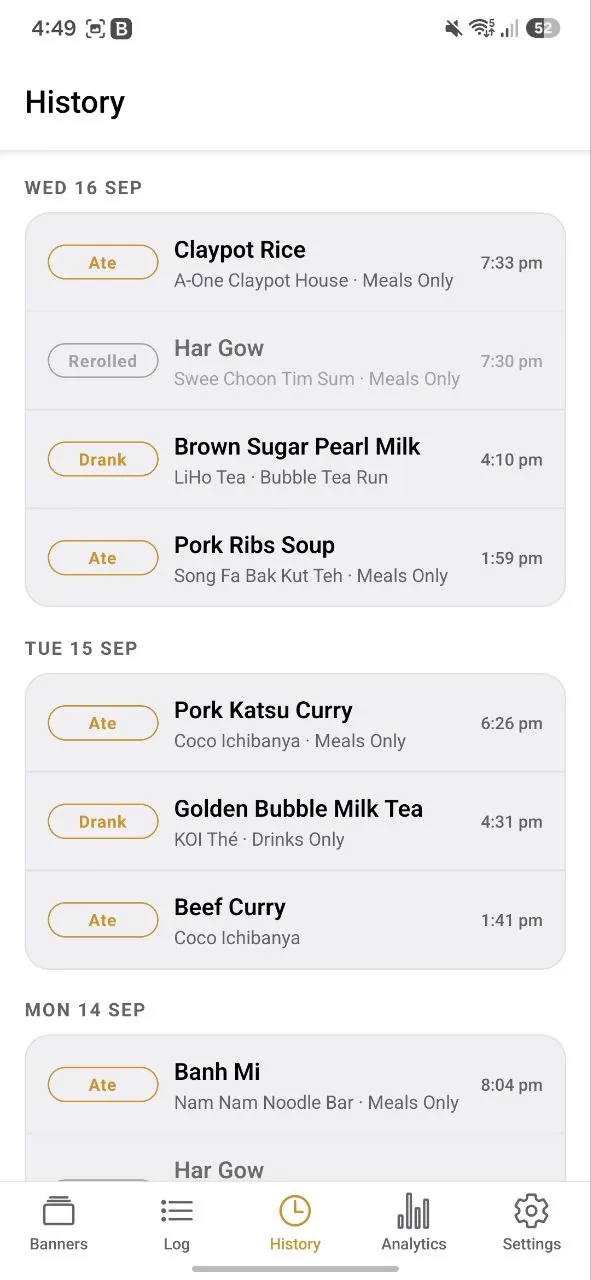
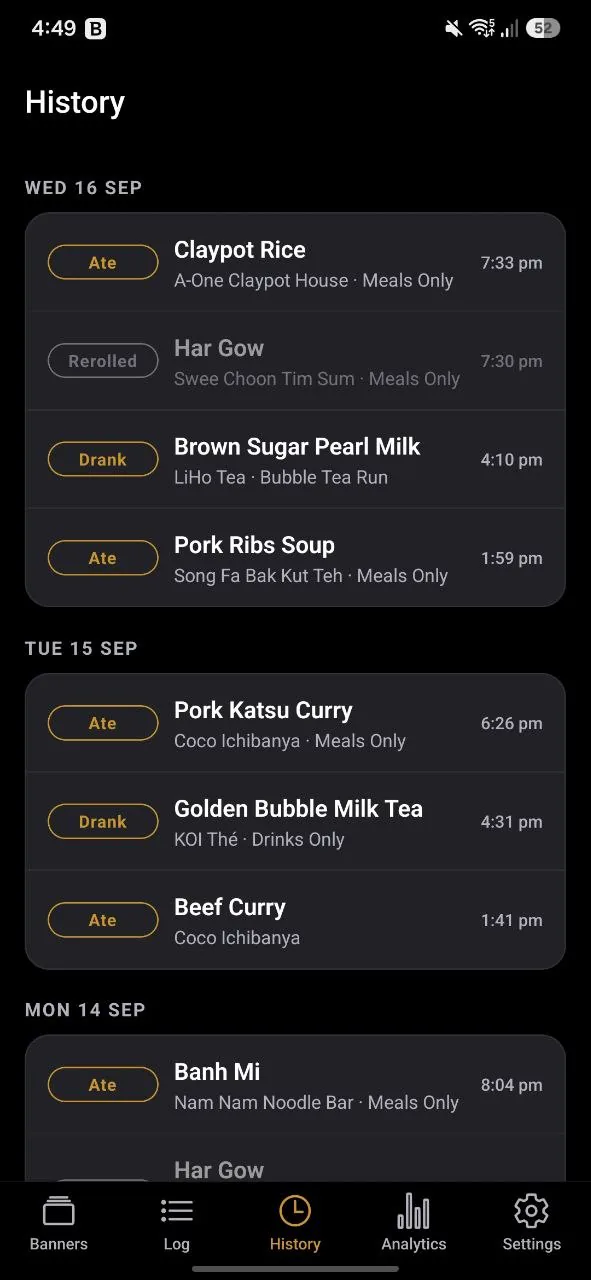
One feed of everything that happened, newest first and grouped by day. Each line is tagged Ate, Drank, Logged or Rerolled, with the time it happened. A banner name on the line means that meal came out of a pull.
Rerolls sit just before the meal you settled on, so a run reads exactly as it happened: skipped this, skipped that, ate this. Rerolls are dimmed, and a Snoozed or Removed note says how you tidied the pool on the way past.
The feed shows your newest 300 entries; anything older still counts in Analytics. Deleting a place or dish does not erase its lines here, and the only way to remove a line is the Undo right after you log it.
Analytics
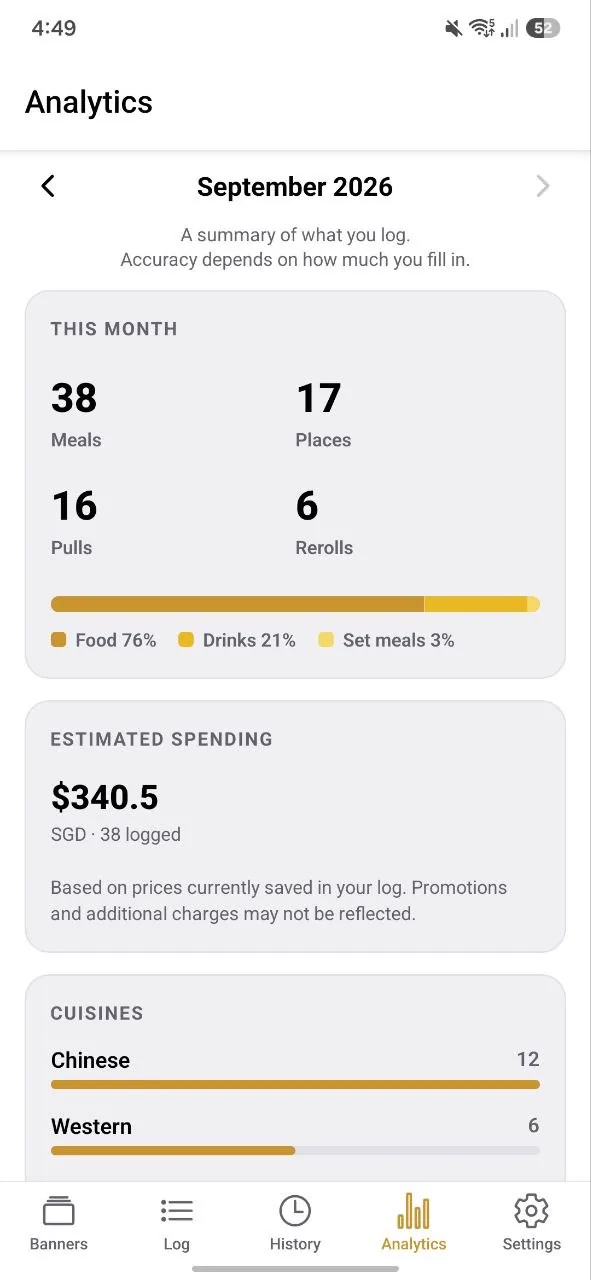
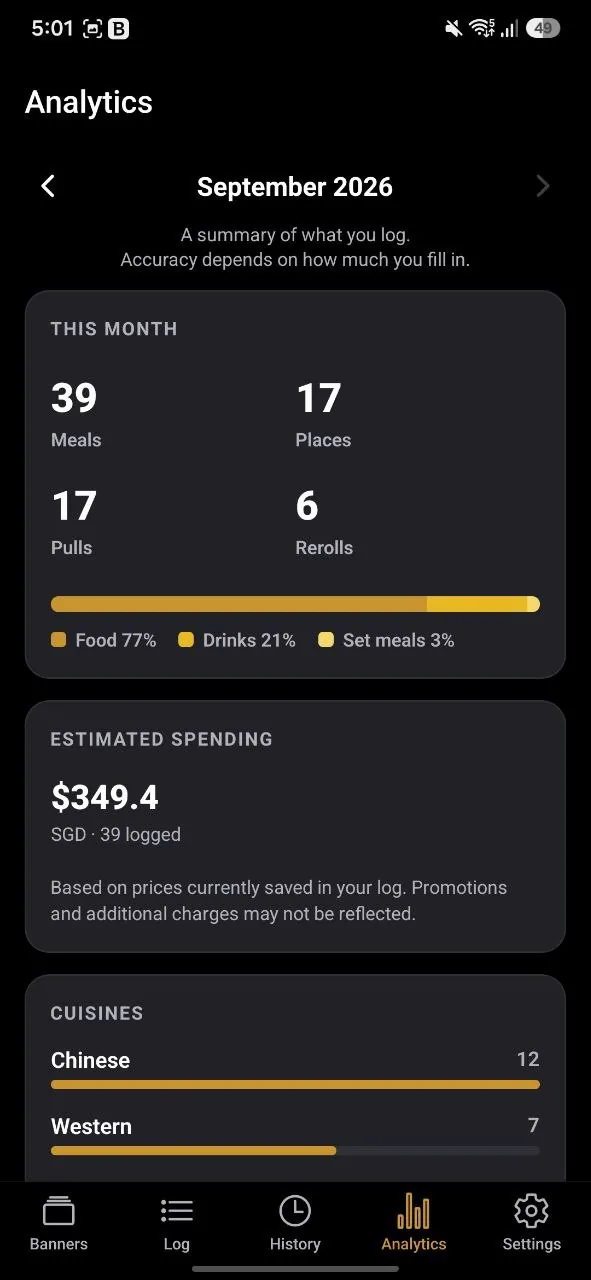
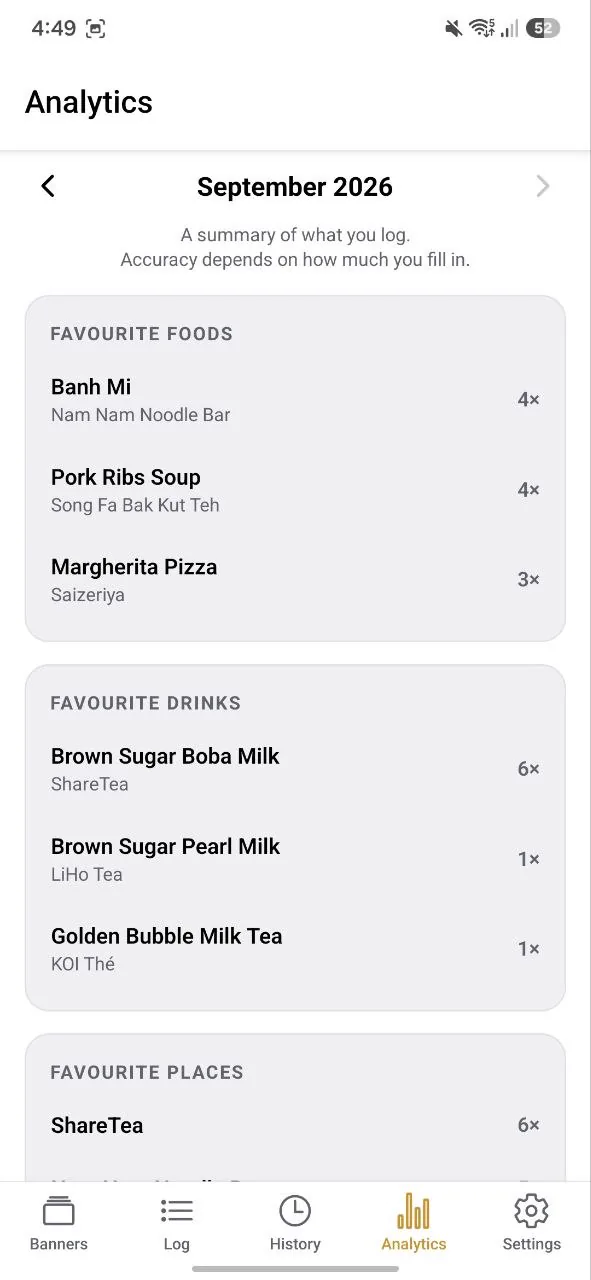
A month-by-month summary of what you log. Use the arrows at the top to step back through earlier months. The top card counts your meals, places, pulls and rerolls, with a food / drink / set-meal split. Below it, estimated spending per currency, your cuisines, and your favourite foods, drinks and places.
Cards appear only once they have something to show, so an empty month stays quiet rather than full of blanks, and the more you tag the more the page can tell you. Spending stays per currency, with no conversion. It uses the prices saved in your log now, so updating a dish’s price also changes past months, and a visit logged without a dish adds nothing to spending.
FAQ
Quick answers
Do I need an account?
No. There is nothing to sign up for. The app works entirely on your device from the first launch.
Is it free?
Yes. No ads, no subscription, and no in-app purchases. Pulls never cost anything, and there is nothing to buy or unlock.
What happens if I get a new phone?
Use Export backup in Settings › Data to save your log as a file, then Import backup on the new device. Importing replaces everything already on that phone rather than merging, so do it before you start logging there. Your data never leaves your device, so moving it is up to you, and the export makes that a single tap.
How do I start over?
Settings › Data › Delete all data erases every place, dish, banner and setting on your phone, after two confirmations. It cannot be undone, so export first if you might want it back. The welcome steps show again the next time you open the app.
Can it suggest restaurants I have never been to?
Only ones you have added. Log a spot you want to try, without any dishes, and it becomes pullable as a place to try. The machine never invents options you did not choose.
Build a banner with Tried set to To try and it becomes your want-to-try list. A place leaves it once you eat there.
Is it on iPhone?
Android only for now. iPhone is deferred until there is demand for it, and there is no waitlist to join in the meantime.
Do I have to tag everything?
No. Just a name: a place can be a name and nothing else, and the Everything Banner (one of the four you start with) works on that alone. While optional, using more tags increases the filter options available when creating new custom banners and also helps to build a more holistic analytics page.
Will it fill up with places I have stopped liking?
Only if you let it. Every reroll offers to remove the pick from that banner, and each place has an on/off switch for its pools. Saying “not tonight” enough times is how a banner gets good.
What if I want to eat somewhere twice in a row?
Cooldown length is set per banner: leave it on the default, set your own, or switch it off entirely for banners you happily repeat. There is also a manual clear on the pool screen.
Is there a dark mode?
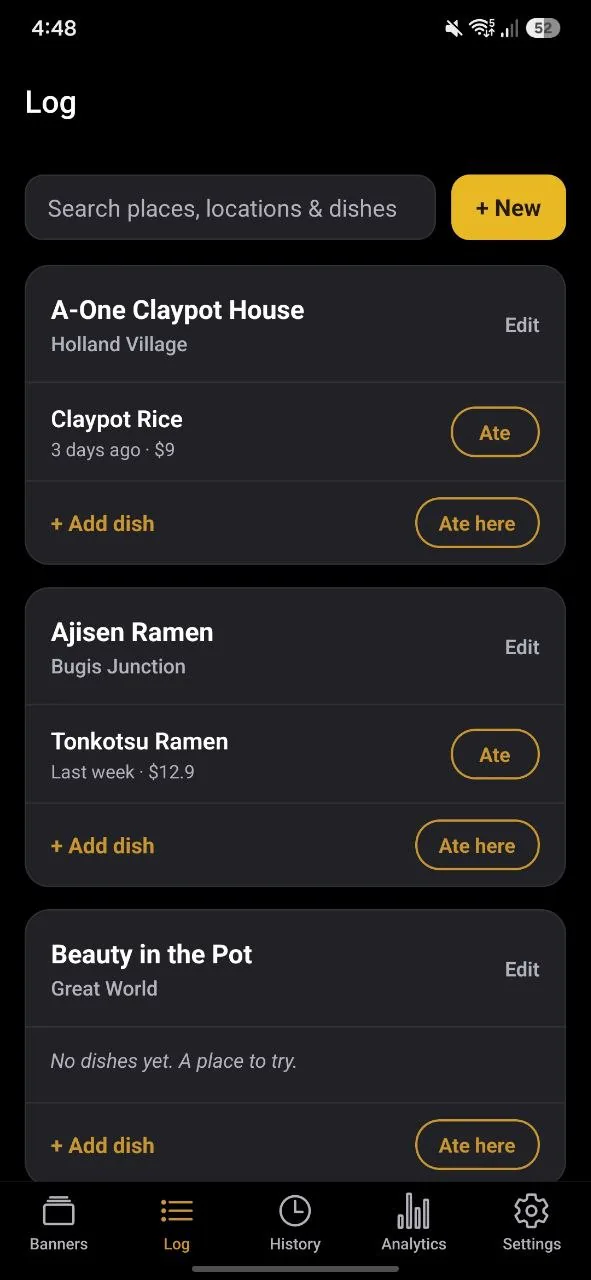
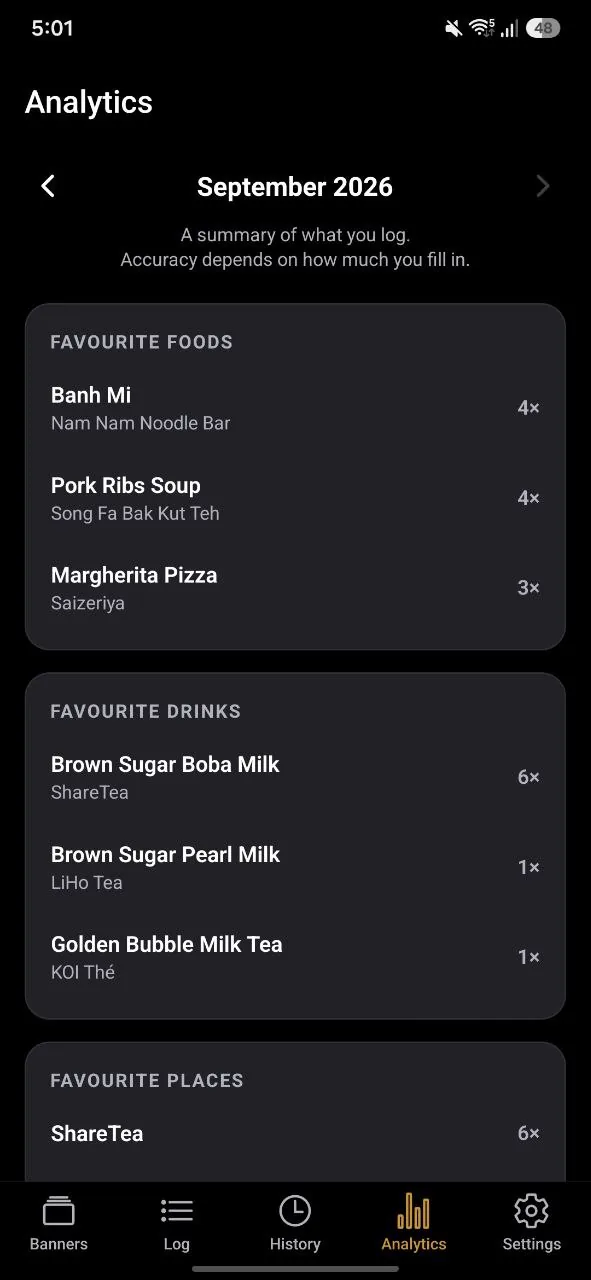
Yes. Settings › Appearance follows your phone by default (System), or you can pick Light or Dark.
If your question is not up there, email me at studioinadot+gachaeats@gmail.com, or tap Send feedback in the app’s Settings. I read every message, and the app gets better because people write in.